Cybersecurity and Remote Work: How to Protect Company Data Outside the Office
The rise of remote work and smart working has fundamentally transformed the modern workplace. Millions of employees now access company systems, sensitive files, and critical databases from their homes, coffee shops, co-working spaces, and even while traveling. While this flexibility brings undeniable productivity benefits, it also introduces a wide range of cybersecurity risks that organizations must address proactively. Protecting company data outside the office is no longer optional — it is a business imperative.
In this comprehensive guide, we will explore the most common cyber threats associated with remote work, the best practices employees and IT teams should follow, and the technologies that can help safeguard sensitive business information in a distributed work environment.
Why Remote Work Increases Cybersecurity Risks
Traditional office environments benefit from centralized IT infrastructure, managed firewalls, secure internal networks, and physical access controls. When employees work remotely, they step outside these protective boundaries and operate in environments that are often far less secure.
Several factors contribute to the heightened risk profile of remote work:
- Unsecured home networks: Most home Wi-Fi routers use outdated firmware, weak passwords, or default configurations that hackers can easily exploit.
- Personal devices: Employees using personal laptops, tablets, or smartphones may not have up-to-date antivirus software or operating system patches installed.
- Phishing attacks: Remote workers are more vulnerable to phishing emails, especially when they lack the immediate support of an in-office IT team.
- Shadow IT: Employees often use unauthorized applications or cloud services to collaborate, creating data leakage risks outside the company's security perimeter.
- Physical security: Working in public spaces exposes screens and keyboards to visual eavesdropping, also known as "shoulder surfing."
The Most Common Cyber Threats Targeting Remote Workers
Phishing and Social Engineering
Phishing remains one of the most widespread and effective cyberattack methods. Cybercriminals send fraudulent emails, text messages, or even phone calls that appear to come from legitimate sources — such as IT departments, HR teams, or company executives. The goal is to trick employees into revealing login credentials, clicking malicious links, or downloading infected attachments.
During the rapid shift to remote work, phishing attacks surged dramatically. Attackers capitalized on employee uncertainty, using themes like fake IT support requests, COVID-related updates, and urgent security alerts to deceive victims.
Ransomware Attacks
Ransomware is a type of malicious software that encrypts a victim's files and demands a ransom payment for the decryption key. Remote workers accessing company systems through vulnerable connections are prime targets. A single infected device connected to the corporate network can quickly compromise entire systems, leading to significant data loss and financial damage.
Man-in-the-Middle (MitM) Attacks
When employees connect to public or unsecured Wi-Fi networks — such as those found in airports, cafes, or hotels — they expose themselves to man-in-the-middle attacks. In these scenarios, a cybercriminal intercepts communications between the employee and the company server, potentially capturing login credentials, financial data, or confidential documents.
Credential Theft and Account Takeover
Weak or reused passwords are a significant vulnerability. If an employee uses the same password for both personal and professional accounts, a data breach on a consumer platform can result in unauthorized access to company systems. Credential stuffing attacks automate the process of testing stolen username-password combinations across multiple services.
Best Practices for Protecting Company Data While Working Remotely
1. Use a Virtual Private Network (VPN)
A VPN encrypts all internet traffic between the employee's device and the company network, making it significantly harder for attackers to intercept data. Organizations should provide employees with a corporate-grade VPN and enforce its use whenever accessing sensitive systems or data. Employees should avoid free VPN services, which may collect and sell user data.
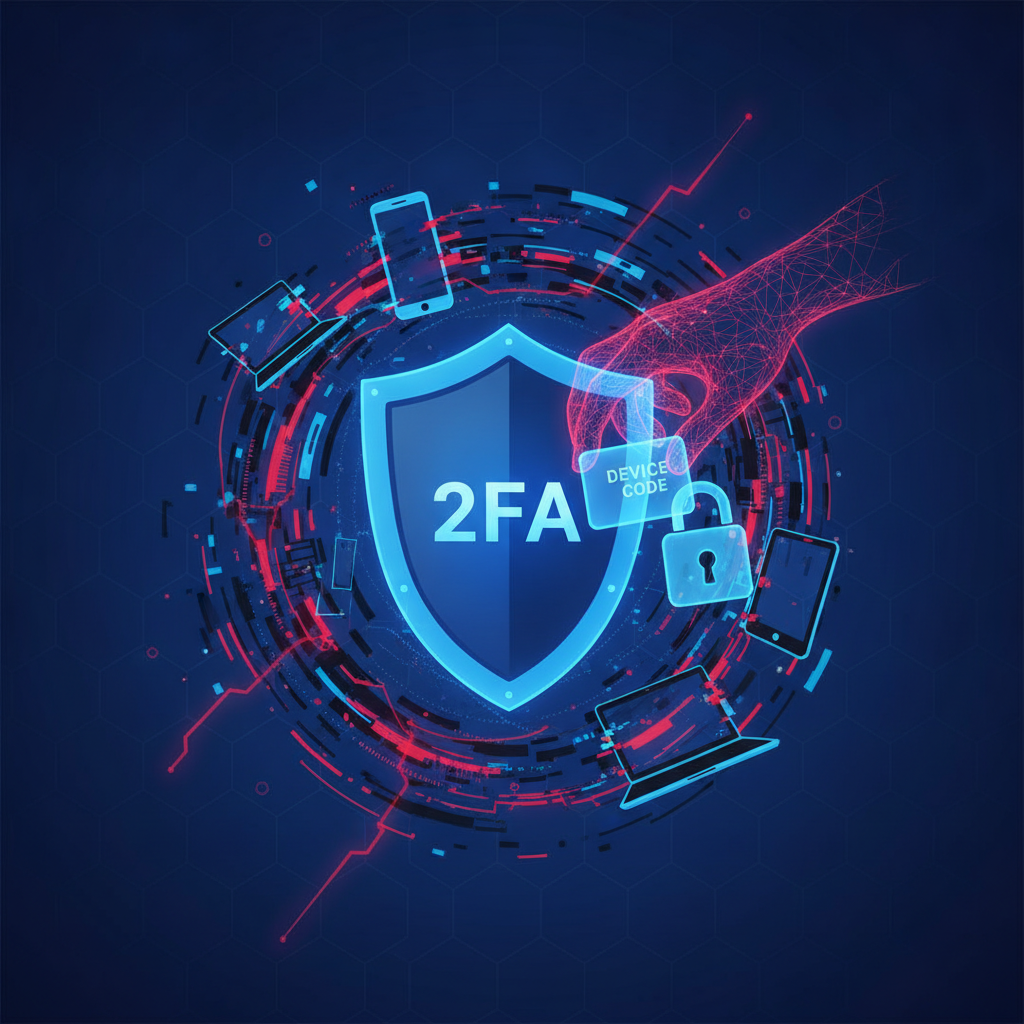
2. Enable Multi-Factor Authentication (MFA)
Multi-factor authentication adds an extra layer of security beyond just a password. Even if a cybercriminal obtains an employee's credentials, they cannot access the account without the second verification factor — such as a one-time code sent to a mobile device, a biometric scan, or a hardware security key. MFA should be mandatory for all company accounts, especially email, cloud storage, and remote desktop tools.
3. Keep Software and Devices Updated
Outdated software is one of the most common entry points for cyberattacks. Employees should ensure that their operating systems, browsers, applications, and antivirus software are always updated to the latest versions. IT departments should implement automated patch management policies for company-managed devices and establish clear guidelines for employees using personal devices (BYOD policies).
4. Secure Home Wi-Fi Networks
Employees should take steps to harden their home network security. This includes:
- Changing the default router username and password to something strong and unique.
- Using WPA3 or WPA2 encryption for the wireless network.
- Regularly updating the router's firmware.
- Disabling remote management features on the router unless necessary.
- Setting up a separate guest network for IoT devices and non-work activities.
5. Use Strong, Unique Passwords and a Password Manager
Every account should have a strong, unique password that combines uppercase and lowercase letters, numbers, and special characters. Using the same password across multiple services dramatically increases risk. A reputable password manager can generate and securely store complex passwords, removing the burden of memorization while greatly improving security hygiene.
6. Be Vigilant Against Phishing Attempts
Employees should be trained to recognize the signs of phishing attacks. Key indicators include unexpected requests for sensitive information, suspicious sender email addresses, urgent or threatening language, and links that do not match the official domain of the supposed sender. When in doubt, employees should verify requests through a separate communication channel before taking any action.
7. Encrypt Sensitive Data
Data encryption ensures that even if files are intercepted or a device is stolen, the information remains unreadable without the proper decryption key. Companies should enforce full-disk encryption on all work devices and use encrypted communication tools for sharing sensitive files and messages.
8. Limit Access Based on the Principle of Least Privilege
Not every employee needs access to all company data. The principle of least privilege dictates that users should only have access to the systems and data necessary for their specific job functions. This minimizes the potential damage in case an account is compromised. IT teams should regularly review and update access permissions to ensure they remain appropriate.
The Role of Company Culture and Employee Training
Technology alone cannot solve the cybersecurity challenges of remote work. Human error remains one of the leading causes of data breaches. Building a strong security culture within the organization is essential for long-term protection.
Companies should invest in regular cybersecurity awareness training that covers topics such as phishing recognition, safe browsing habits, secure file sharing, and incident reporting procedures. Training should be engaging, up-to-date, and tailored to the specific risks relevant to the organization's industry and remote work setup.
Additionally, organizations should establish clear and accessible remote work security policies that outline acceptable use of company resources, guidelines for handling sensitive data, and procedures for reporting suspected security incidents. Employees who know exactly what is expected of them are far more likely to make security-conscious decisions.
Technologies That Strengthen Remote Work Security
Beyond VPNs and MFA, a range of advanced technologies can further enhance cybersecurity in a remote work environment:
- Zero Trust Architecture (ZTA): A security model that operates on the principle of "never trust, always verify." Every access request is authenticated and authorized, regardless of whether it originates from inside or outside the corporate network.
- Endpoint Detection and Response (EDR): Advanced tools that monitor endpoint devices in real time, detecting and responding to threats before they can cause significant damage.
- Cloud Access Security Brokers (CASB): Solutions that provide visibility and control over cloud application usage, helping prevent data leakage through unauthorized services.
- Secure Access Service Edge (SASE): A modern network architecture that combines networking and security functions into a single cloud-based service, ideal for distributed remote workforces.
- Data Loss Prevention (DLP) tools: Software designed to detect and prevent unauthorized transfer or sharing of sensitive company data.
Creating a Comprehensive Remote Work Security Policy
A formal remote work security policy is a foundational document that every organization with distributed employees should have. This policy should address:
- Approved devices and operating systems for remote work
- Mandatory use of VPN and MFA
- Guidelines for working in public spaces
- Procedures for reporting lost or stolen devices
- Rules for storing and sharing company data
- Response procedures for suspected security incidents
The policy should be reviewed and updated regularly to reflect new threats and technologies. Employees should acknowledge and sign the policy upon onboarding and whenever significant updates are made.
Conclusion: Making Remote Work Secure by Design
The shift to remote and hybrid work is not a temporary trend — it is a lasting transformation of the global workforce. Organizations that fail to adapt their cybersecurity strategies to this new reality put themselves at serious risk of data breaches, financial loss, regulatory penalties, and reputational damage.
By combining robust technology solutions, comprehensive employee training, clear security policies, and a culture of shared responsibility, companies can effectively protect their data regardless of where their employees work. Cybersecurity in the age of smart working is not about restricting flexibility — it is about enabling it safely and confidently.
Investing in remote work cybersecurity today means protecting your business, your employees, and your clients for the future.