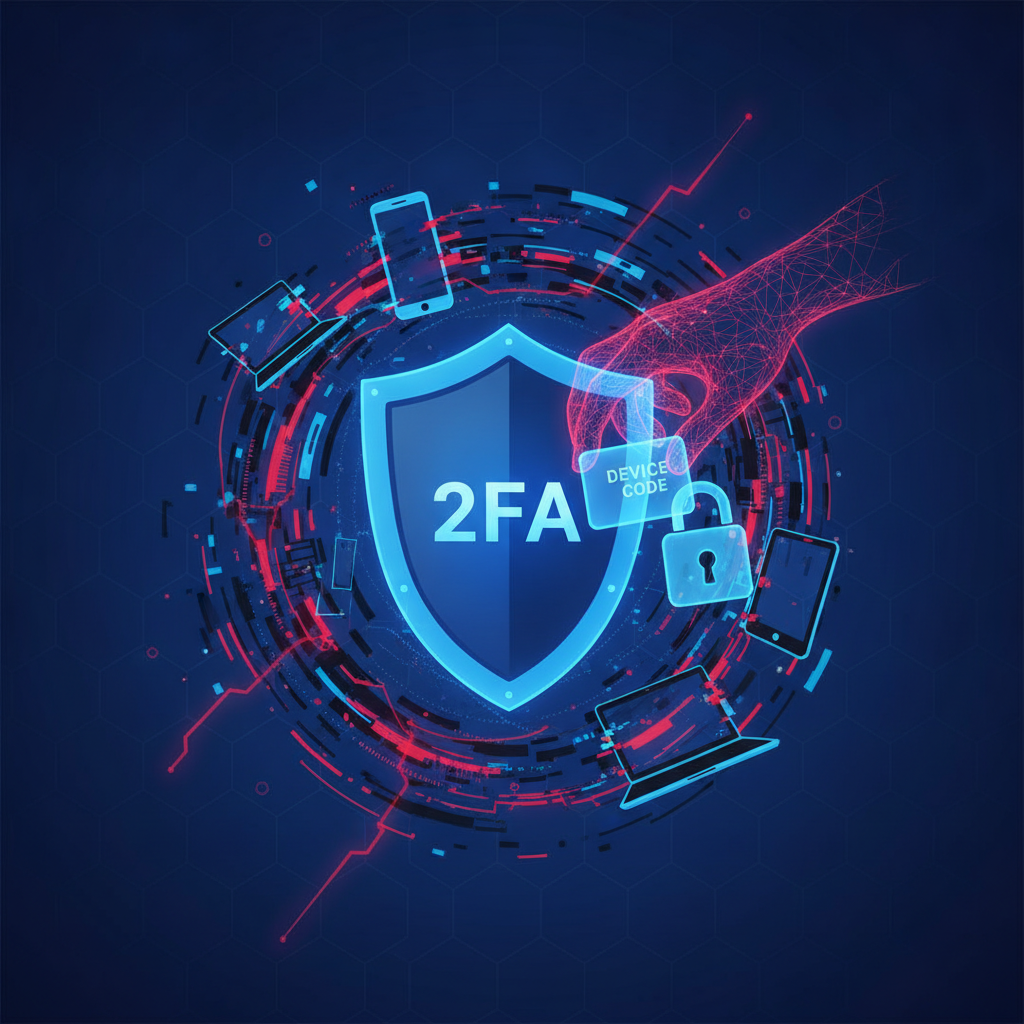
You Enabled Two-Factor Authentication. You Think You're Safe. You're Not.
Two-factor authentication (2FA) has long been celebrated as one of the most effective defenses against unauthorized account access. Security experts recommend it. IT departments enforce it. And millions of users enable it every day, breathing a sigh of relief once that second layer of protection is in place. But here is the uncomfortable truth: 2FA alone is no longer enough to protect you. A sophisticated and increasingly common attack technique called Device Code Phishing can bypass it entirely — without you ever entering your credentials on a fake website.
In this article, we'll break down exactly what Device Code Phishing is, how it works, why it's so dangerous, and most importantly, what you can do to protect yourself and your organization.
What Is Device Code Phishing?
Device Code Phishing is a cyberattack that exploits a legitimate authentication flow built into modern identity platforms like Microsoft Azure Active Directory, Google OAuth, and other OAuth 2.0-based systems. It specifically abuses the OAuth 2.0 Device Authorization Grant — a protocol originally designed for devices that cannot easily display a browser or accept text input, such as smart TVs, gaming consoles, or IoT devices.
In a legitimate scenario, this flow works like this: a device displays a short code and a URL. The user visits that URL on another device (like a phone or computer), enters the code, logs in normally — including completing their 2FA — and the original device gains access to the account. It's convenient, it's legitimate, and it's widely trusted.
The problem? Attackers have learned to weaponize this exact process.
How Does the Attack Work? Step by Step
- The attacker initiates the device code flow: The attacker visits a legitimate authentication endpoint (such as Microsoft's login.microsoftonline.com/common/oauth2/devicecode) and requests a device code for a target application — say, Microsoft Teams or Outlook.
- The code is sent to the victim: The attacker sends this legitimate-looking code to the victim via email, Teams message, LinkedIn DM, WhatsApp, or any other channel. The message typically impersonates IT support, a colleague, or a trusted brand, and asks the user to visit a specific Microsoft or Google URL and enter the code to "verify their identity" or "complete a security check."
- The victim authenticates — for the attacker: Because the URL is real and belongs to Microsoft or Google, the victim doesn't see any red flags. They log in normally, complete their multi-factor authentication (MFA), and enter the code. This grants the attacker a valid OAuth token tied to the victim's account.
- The attacker gains persistent access: With the OAuth token in hand, the attacker can access the victim's emails, files, calendar, Teams messages, and more — often for extended periods — without ever needing the victim's password again. The token may remain valid for hours, days, or even weeks depending on configuration.
What makes this attack especially insidious is that the victim does everything right. They use their real credentials. They complete their 2FA challenge. They visit a legitimate domain. There is no fake website to spot, no suspicious link to hover over. Yet the attacker walks right through the front door.
Why Does 2FA Fail Against Device Code Phishing?
Traditional phishing attacks steal usernames and passwords. That's where 2FA shines — even if an attacker captures your credentials, they still can't log in without your second factor. But Device Code Phishing doesn't steal credentials at all. Instead, it hijacks an authenticated session by tricking you into authorizing the attacker's session directly.
Your 2FA code verifies you, but the OAuth token that gets created is handed to the attacker. The authentication system did exactly what it was designed to do — it just couldn't distinguish between a legitimate device and a malicious actor holding a stolen device code.
Who Are the Real Targets?
While anyone can be a target, Device Code Phishing is particularly dangerous in enterprise environments. Attackers increasingly use this technique to compromise:
- Corporate Microsoft 365 and Azure AD accounts — giving access to email, SharePoint, OneDrive, and more
- Google Workspace accounts — exposing Gmail, Drive, Docs, and organizational data
- High-value individuals such as executives, IT administrators, finance staff, and legal teams
- Organizations using federated identity providers with OAuth 2.0 integrations
Nation-state threat actors and advanced persistent threat (APT) groups have been documented using Device Code Phishing in targeted espionage campaigns. In early 2024, Microsoft's threat intelligence team identified campaigns attributed to Russian state-sponsored actors (including the group known as Midnight Blizzard) using this exact technique to infiltrate enterprise networks.
The Social Engineering Layer
Like all phishing attacks, Device Code Phishing relies heavily on social engineering. The technical mechanism is clever, but what makes it devastatingly effective is the human element. Attackers craft highly convincing pretexts, such as:
- "Your account has been flagged for unusual activity. Please verify your identity by visiting this link and entering the code below."
- "IT Security is rolling out a new compliance tool. Follow these steps to complete enrollment."
- "A colleague has shared a secure document with you. You need to authenticate to view it."
These messages are often sent during busy work hours, create a sense of urgency, and impersonate trusted internal sources. In high-pressure environments, employees are conditioned to comply quickly with IT requests — and attackers exploit this conditioning mercilessly.
How to Detect a Device Code Phishing Attempt
Detection is challenging, but not impossible. Here are the key warning signs to watch for:
- Unsolicited requests to enter a device code — legitimate systems will not ask you to enter a code you didn't personally initiate
- Urgency or pressure in messages asking you to authenticate quickly
- Unusual communication channels — IT teams don't typically send authentication requests via WhatsApp or personal email
- Generic or impersonal messages that don't reference your specific project, system, or account details
- Requests from external senders impersonating internal teams
How Organizations Can Defend Against Device Code Phishing
1. Disable the Device Code Flow Where Not Needed
If your organization doesn't use smart TVs, kiosks, or headless devices that require this authentication flow, consider blocking the Device Authorization Grant entirely through Conditional Access policies in Azure AD or equivalent controls in your identity provider. This removes the attack vector at its source.
2. Implement Phishing-Resistant MFA
Move beyond traditional SMS or authenticator app-based MFA and adopt FIDO2/passkey-based authentication or certificate-based authentication. These methods cryptographically bind authentication to the legitimate session and device, making it impossible for an attacker to redirect the authentication to their own session.
3. Deploy Conditional Access Policies
Configure Conditional Access policies to require that device code authentication only succeeds when combined with compliant, managed devices. Restrict access from unrecognized or unmanaged endpoints, and require that authentication comes from expected geographic locations or network ranges.
4. Monitor OAuth Token Issuance
Use SIEM tools and identity monitoring platforms to detect anomalous OAuth token activity, such as tokens issued at unusual times, from unexpected IP addresses, or for applications that are rarely used. Azure AD Sign-In logs and Microsoft Defender for Cloud Apps can surface these anomalies in near real-time.
5. User Awareness Training
Educate your workforce specifically about Device Code Phishing. Most users have been trained to spot fake login pages, but few have been briefed on this newer technique. Include simulated Device Code Phishing scenarios in your regular security awareness programs and teach employees the golden rule: never enter a device code that you did not personally generate by initiating an authentication flow yourself.
6. Revoke and Audit Long-Lived Tokens
Establish policies to limit OAuth token lifetimes and conduct regular audits of tokens that have been issued. If a compromise is suspected, immediately revoke all active tokens for the affected account using identity provider controls, and force reauthentication across all sessions.
The Broader Lesson: Authentication Is Not a Destination
Device Code Phishing is a stark reminder that cybersecurity is not a checkbox exercise. Enabling 2FA was the right decision — but it was never meant to be the final decision. Attackers are resourceful, adaptive, and constantly looking for the cracks between legitimate features and human trust.
The evolution of phishing from simple credential-harvesting pages to session-hijacking attacks that exploit trusted authentication protocols should prompt every organization and individual to reconsider their security posture. The question is no longer just "do you have 2FA?" but rather "is your authentication resistant to session hijacking, token theft, and protocol abuse?"
As identity becomes the new perimeter, protecting it requires layered defenses, continuous monitoring, educated users, and a willingness to move beyond outdated assumptions about what makes an account "secure."
Conclusion: Stay Ahead of the Threat
Device Code Phishing is one of the most underappreciated threats in the current landscape. It is technically elegant, socially convincing, and alarmingly effective against organizations that have invested heavily in traditional MFA solutions. By understanding how it works, recognizing its warning signs, and implementing modern countermeasures, you can dramatically reduce your exposure.
The attackers have already adapted. It's time for defenders — and everyday users — to do the same.