Zero Trust for SMBs: Protect Your Business Without an Enterprise Budget
Cybersecurity threats are no longer reserved for large corporations. Small and medium-sized businesses (SMBs) are increasingly in the crosshairs of cybercriminals, precisely because they often lack the robust defenses of enterprise organizations. The good news? Zero Trust security — once considered an expensive luxury for Fortune 500 companies — is now accessible to businesses of every size. You don't need a million-dollar IT budget to implement a Zero Trust framework that genuinely protects your organization.
In this guide, we'll break down exactly what Zero Trust means, why it matters for SMBs, and how you can adopt its core principles step by step without breaking the bank.
What Is Zero Trust Security?
Zero Trust is a cybersecurity philosophy built on a simple but powerful premise: "Never trust, always verify." Unlike traditional security models that assume everything inside a corporate network is safe, Zero Trust treats every user, device, and connection as potentially compromised — regardless of whether they are inside or outside the network perimeter.
The concept was originally introduced by Forrester Research analyst John Kindervag in 2010, and has since been adopted by government agencies, healthcare institutions, and major enterprises worldwide. The core idea is to eliminate implicit trust and continuously validate every stage of digital interaction.
The Three Pillars of Zero Trust
- Verify explicitly: Always authenticate and authorize based on all available data points, including user identity, location, device health, and behavior.
- Use least privilege access: Limit user access to only the resources they need to do their jobs — nothing more.
- Assume breach: Design your systems as if attackers are already inside. Minimize blast radius and segment access to limit damage.
Why Zero Trust Matters for Small and Medium-Sized Businesses
Many SMB owners still believe the myth that hackers only target large enterprises. In reality, over 43% of cyberattacks target small businesses, according to Verizon's Data Breach Investigations Report. Worse, 60% of small companies close within six months of a major cyberattack due to financial and reputational damage.
The modern work environment — with remote employees, cloud services, personal devices, and third-party vendors — has effectively dissolved the old network perimeter. Traditional firewalls and VPNs alone are no longer enough. Zero Trust provides a more resilient and adaptive approach that fits the way businesses actually operate today.
Common SMB Vulnerabilities Zero Trust Addresses
- Weak or reused passwords across multiple systems
- Unmanaged personal devices accessing company data
- Overprivileged user accounts with unnecessary access
- Phishing attacks that compromise employee credentials
- Third-party vendor access that isn't properly monitored
How to Implement Zero Trust on an SMB Budget
The misconception is that Zero Trust requires massive infrastructure investment. In truth, you can implement the most impactful elements of Zero Trust using affordable — and often free — tools. Here's a practical roadmap tailored for SMBs.
1. Start With Identity and Access Management (IAM)
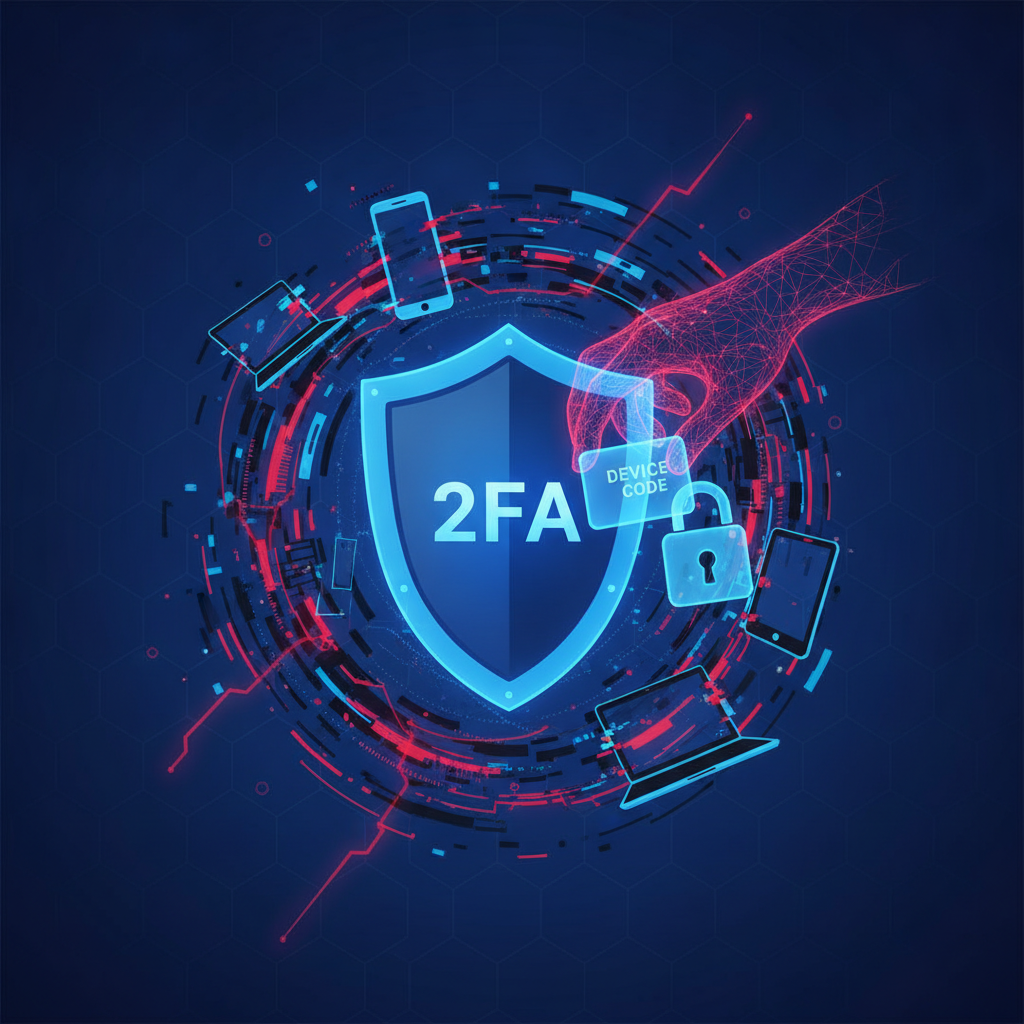
Identity is the new perimeter in a Zero Trust world. The first step is to ensure that every user is properly authenticated before accessing any company resource. Implement Multi-Factor Authentication (MFA) across all accounts — email, cloud storage, business apps, and remote access systems.
Tools like Microsoft Entra ID (formerly Azure AD), Google Workspace, or Okta offer affordable identity management solutions with MFA built in. Many of these include free tiers or low-cost plans suitable for small teams.
2. Apply the Principle of Least Privilege
Audit every user account in your organization and ask: does this person really need access to all the resources they currently have? Remove or restrict unnecessary permissions. Create role-based access control (RBAC) policies so employees only see the data relevant to their role.
This single step can dramatically reduce your attack surface. If a hacker compromises a sales rep's account, they should not automatically gain access to your financial records or customer database.
3. Secure Every Endpoint
Every device that connects to your network is a potential entry point. Implement endpoint security solutions to monitor and protect laptops, smartphones, and tablets. Ensure all devices are running updated operating systems and antivirus software.
Consider using Mobile Device Management (MDM) platforms like Microsoft Intune or Jamf to enforce security policies on all devices — including personal ones used for work (BYOD).
4. Segment Your Network
Network segmentation means dividing your network into separate zones so that even if one part is compromised, attackers can't freely move across your entire infrastructure. For SMBs, this can be as simple as:
- Separating guest Wi-Fi from internal business networks
- Isolating critical servers and databases from general employee access
- Creating separate VLANs for different departments or systems
Most modern business routers and managed switches support VLAN configuration, making this achievable without expensive hardware.
5. Monitor Continuously and Log Everything
Zero Trust isn't a one-time setup — it's an ongoing process. Implement Security Information and Event Management (SIEM) tools to monitor network activity, detect anomalies, and respond to threats in real time. Affordable options like Microsoft Sentinel, Elastic SIEM, or even free tools like Wazuh can help SMBs gain critical visibility without enterprise-level costs.
Set up alerts for suspicious behavior such as failed login attempts, access from unusual locations, or large data transfers outside business hours.
6. Train Your Employees
Technology alone cannot protect your business. Human error remains the leading cause of security breaches. Regular security awareness training helps employees recognize phishing emails, understand password hygiene, and follow safe data handling practices.
Platforms like KnowBe4, Proofpoint Security Awareness, or even free resources from CISA (Cybersecurity and Infrastructure Security Agency) can help you build a security-first culture on a budget.
Affordable Zero Trust Tools for SMBs
Here's a quick overview of cost-effective tools that support a Zero Trust architecture for small businesses:
- Microsoft 365 Business Premium: Includes MFA, Intune, Defender, and Entra ID — a comprehensive bundle for SMBs
- Cloudflare Zero Trust (free tier available): Provides secure access to internal apps without a VPN
- Bitwarden: Affordable password management to eliminate weak and reused credentials
- Wazuh: Open-source SIEM and endpoint detection and response (EDR) platform
- Duo Security: User-friendly MFA solution with a free tier for small teams
Building a Zero Trust Culture, Not Just a Zero Trust System
One of the most important lessons for SMBs is that Zero Trust is a mindset, not just a product. You don't need to implement every component overnight. Start with the highest-impact actions — enabling MFA, reviewing user permissions, and training employees — and build from there.
Create a simple security policy document that outlines acceptable use, password requirements, and incident reporting procedures. Make cybersecurity a regular agenda item in team meetings. As your business grows, your Zero Trust posture can grow with it.
Conclusion: Zero Trust Is No Longer Just for Enterprises
The digital threat landscape has evolved, and so must the defenses of every business — regardless of size. Zero Trust security gives SMBs a practical framework to protect their data, employees, and customers without requiring an enterprise-level budget or a large in-house IT team.
By starting with identity verification, enforcing least privilege access, securing endpoints, and continuously monitoring your environment, you can build a resilient security posture that stands up to modern threats. The journey to Zero Trust doesn't have to be perfect from day one — it just has to begin.
Your business is worth protecting. Take the first step toward Zero Trust today.